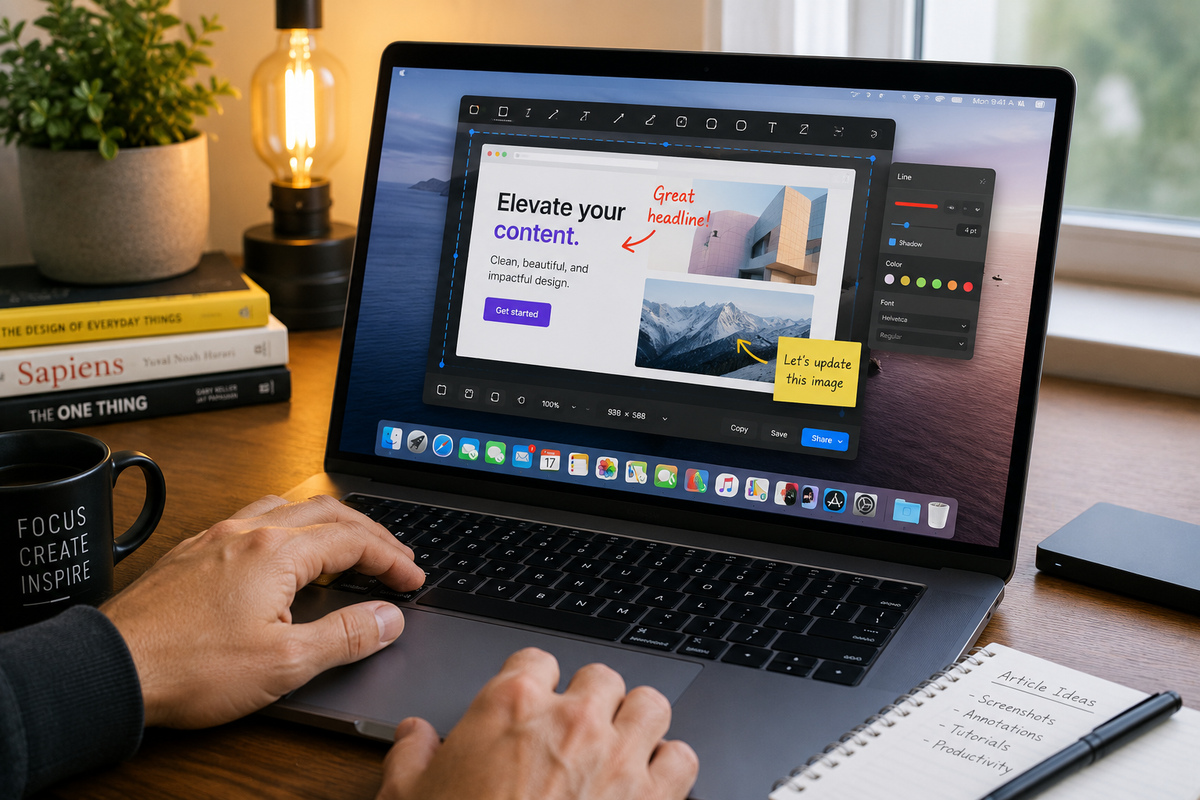
If you Mac Users out there spend any amount of time working on a computer, taking screenshots is probably part of your daily routine.
But if you’re still relying on your operating system’s built-in screenshot tool, you’re missing out on one of the most polished productivity apps I’ve ever used.
CleanShot X is a powerful screen capture and screen recording utility for the Mac that takes screenshots to an entirely different level. (Sorry PC users; CleanShot X only works on Macs.)
Need to capture an entire scrolling webpage? No problem. Want to annotate an image with arrows, text, highlights, or shapes before sending it to someone? It’s built right in. Recording a quick video tutorial or demonstrating a software bug? CleanShot X makes it remarkably easy.
One of my favorite features is its ability to temporarily hide desktop clutter before taking a screenshot, instantly making your captures look cleaner and more professional. It also offers floating previews, quick sharing options, cloud storage, customizable keyboard shortcuts, and a host of thoughtful little touches that save time throughout the day.
As with so many great software tools, it’s the small conveniences that add up. After using CleanShot X for a while, going back to a standard screenshot utility feels like stepping back in time.
If your work involves teaching, writing, consulting, customer support, creating documentation, or simply communicating visually with others, I think you’ll quickly appreciate what this little gem can do.
Check it out: www.cleanshot.com






Get cutting-edge tips, resources, and perspectives: