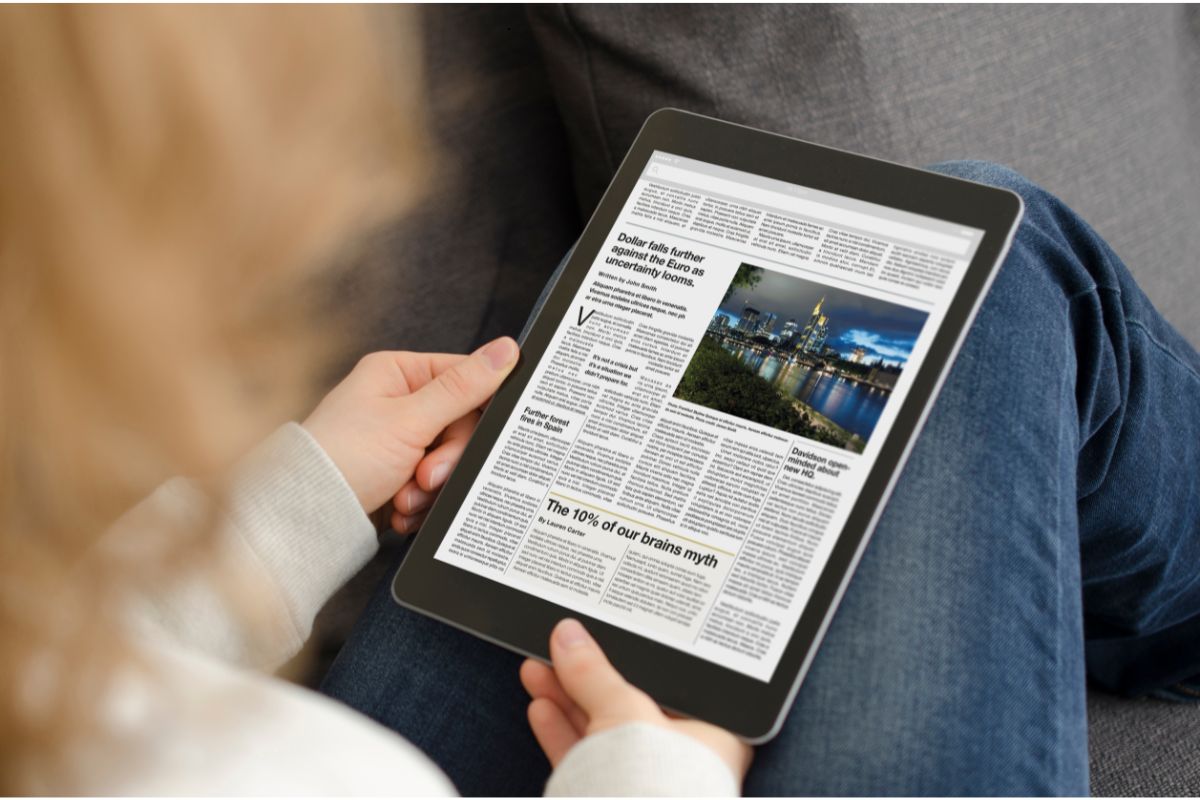
You have probably experienced the following: you come across a wonderful online article—something worth keeping—only to discover it’s buried under ads, sidebars, autoplay videos, pop-ups, comment threads, and “related stories” that have nothing to do with what you’re trying to read. You try to print it or save it as a PDF, and the result is a bloated, unreadable mess that wastes ink, paper, and patience.
PrintFriendly exists to fix that exact problem.
Paste the article’s URL into PrintFriendly, and it automatically strips away advertising, navigation menus, pagination, and other visual clutter. What remains is the actual article—cleanly formatted, easy to read, and suitable for printing or saving. Before exporting, you can manually remove sections, resize text, delete images, and fine-tune the layout so the final result looks like a document, not a webpage.
Great for:
• Printing articles without junk or wasted space
• Creating readable PDFs for offline use
• Saving research material in a clean, archival format
• Anyone who prefers reading words instead of fighting websites
Important note: PrintFriendly does not bypass paywalls or unlock restricted content. It only reformats pages you already have access to.
In short, PrintFriendly doesn’t change the internet—it cleans it up long enough for you to read something properly.
Check it out: https://printfriendly.com



Get cutting-edge tips, resources, and perspectives: